
How It Works
From "I want to play" to a real match.
1
Choose your sports
Tennis, pickleball, padel. Pick one or all.
2
Take a quick rating
A few questions, and you've got your RPR (Raqvia Player Rating).
3
Choose a match or a hit
Post a Rated match to track your RPR, or set up a hitting session just to rally. Both sides confirm before it's on.
4
Play and track your RPR
Report the score. Rated results move your rating.
Matched at your level with RPR
RPR is your skill level for each sport, from 1.0 to 10.0. It starts with a quick assessment and moves with every confirmed Rated match.
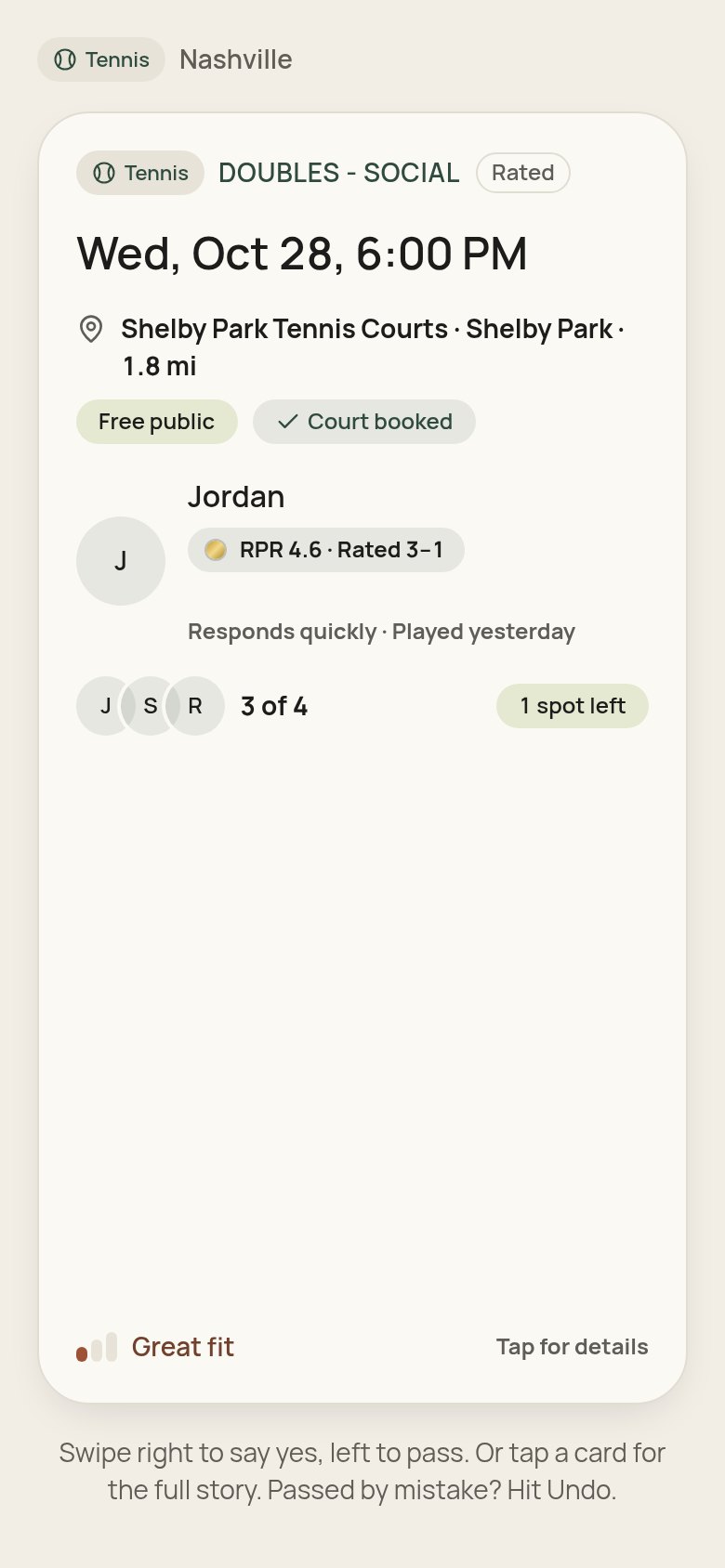
A game in Play
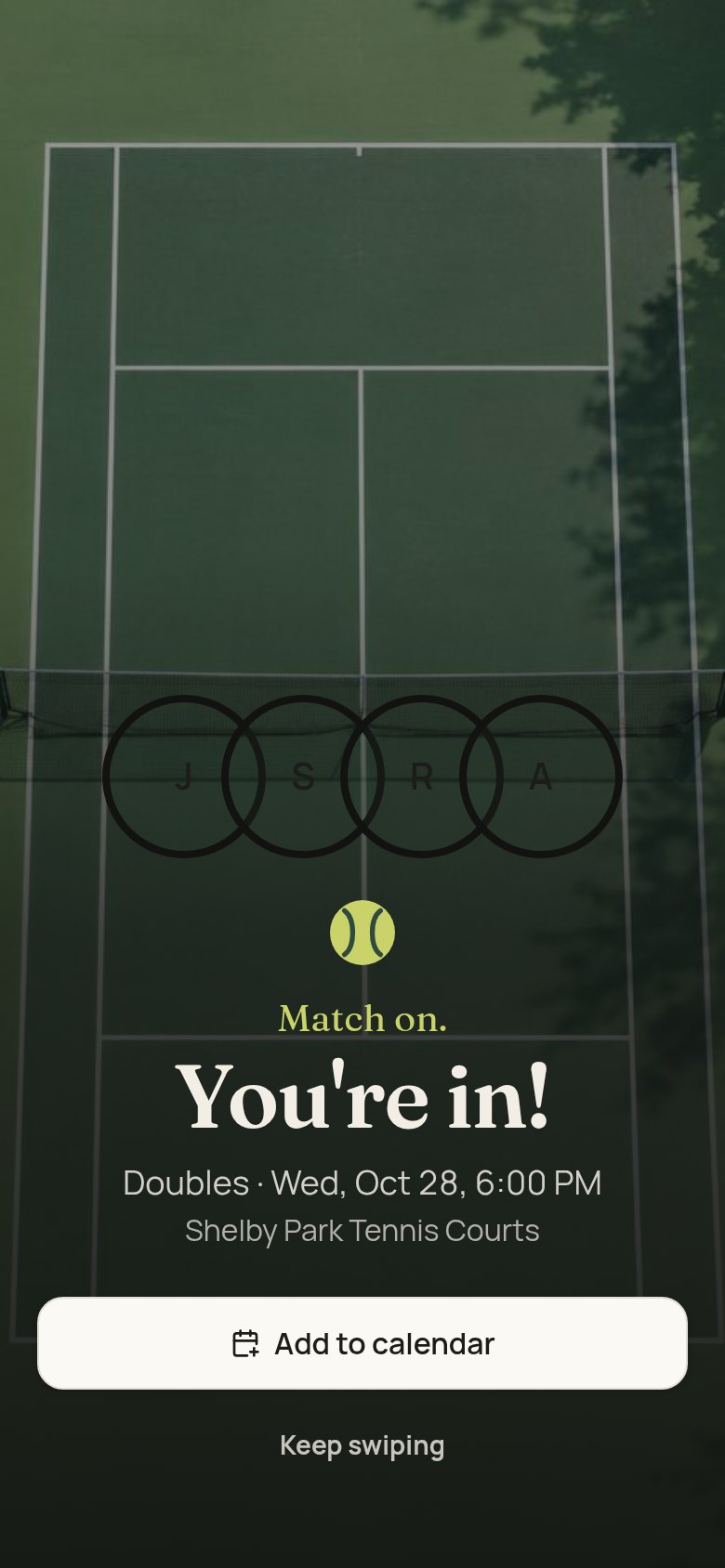
Match on.
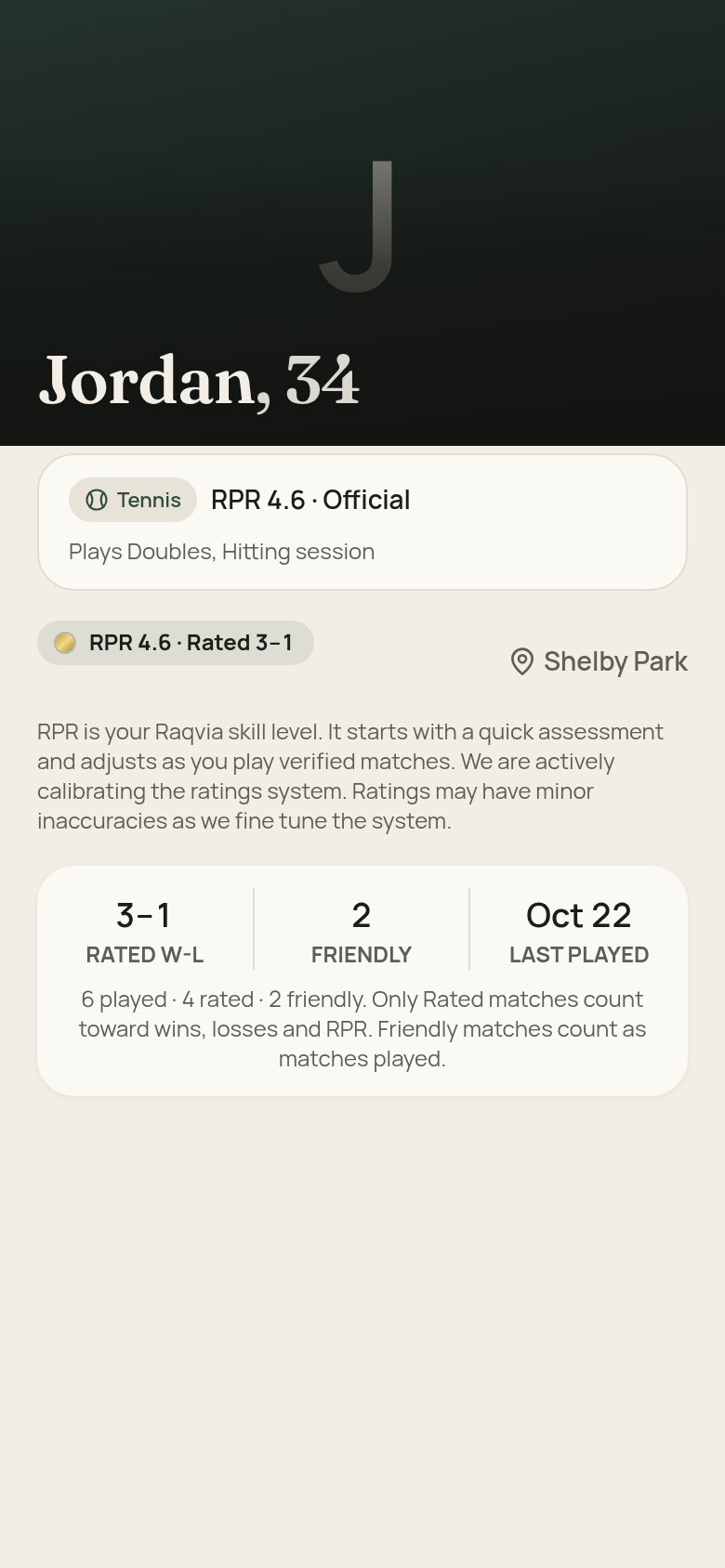
RPR on a profile
Example screens — the names, records and courts shown are invented for the demo.
FAQ
What is Raqvia?
Find people to play with, at your level, near you. No feeds, no fuss. Just games.
Can I just find someone to rally with?
Yes. Post or ask to join a Rated match to build your RPR, or set up a hitting session with no score kept.
Which sports and cities?
Tennis, pickleball, padel, or all three. Each sport gets its own rating, record and preferences. Every city is coming — one at a time.
What's RPR?
RPR (Raqvia Player Rating) is your skill level for each sport. It starts with a quick assessment and adjusts as you play verified matches. RPR is its own rating. It is not a USTA, NTRP, UTR, DUPR, USA Pickleball or Playtomic rating.
What does it cost?
Free during beta.
Is it safe?
Report and Block live in the ⋯ menu on every profile and chat. Blocked players never see you anywhere. Phone numbers and emails stay private. You sort the details in chat.
I was a member of the Raqvia website. How do I get my account?
Played with us before? Your profile and record are waiting.
How do I install it?
iPhone: Open app.raqvia.com in Safari. Tap Share, then Add to Home Screen. Android: Open app.raqvia.com in Chrome. Tap the menu, then Install app.